

Managed WordPress Hosting
Run WordPress on isolated resources with migrations, staging, backups, Redis, and SSL already taken care of.
14-day free trial · $0 due today- _> Free migration
- _> Isolated resources
- _> Staging, Redis & SSL included

WordPress hosting plans built for real projects
All plans include a 14-day free trial. Choose how often you’d like to pay after it ends — longer cycles cost less per month.
Standart
Best for personal blogs, portfolios, or a single high-performing site.
Get 12 months for $59.88 $50.99
Agency
No website limitBest for growing businesses and professional multi-site projects.
Get 12 months for $359.88 $305.99
Business
Best for agencies, e-commerce, and high-traffic networks.
Get 12 months for $551.88 $469.99

Move sites easily

Test before launch

Manage client sites

Keep sites isolated

Launch faster

Recover quickly

WooCommerce ready

Stay secure
Built for speed, uptime, and stability
Instead of generic hosting layers, we run WordPress on a purpose-built stack with caching and database layers tuned to real-world workloads.
- _> Faster loading
- _> No performance drops
- _> Optimal configs out of the box
- _> Enterprise-level caching
- _> Database tuned for WordPress workloads




Regions that match your traffic
Need a specific region? Our setup allows us to provision new locations without the typical industry wait times.
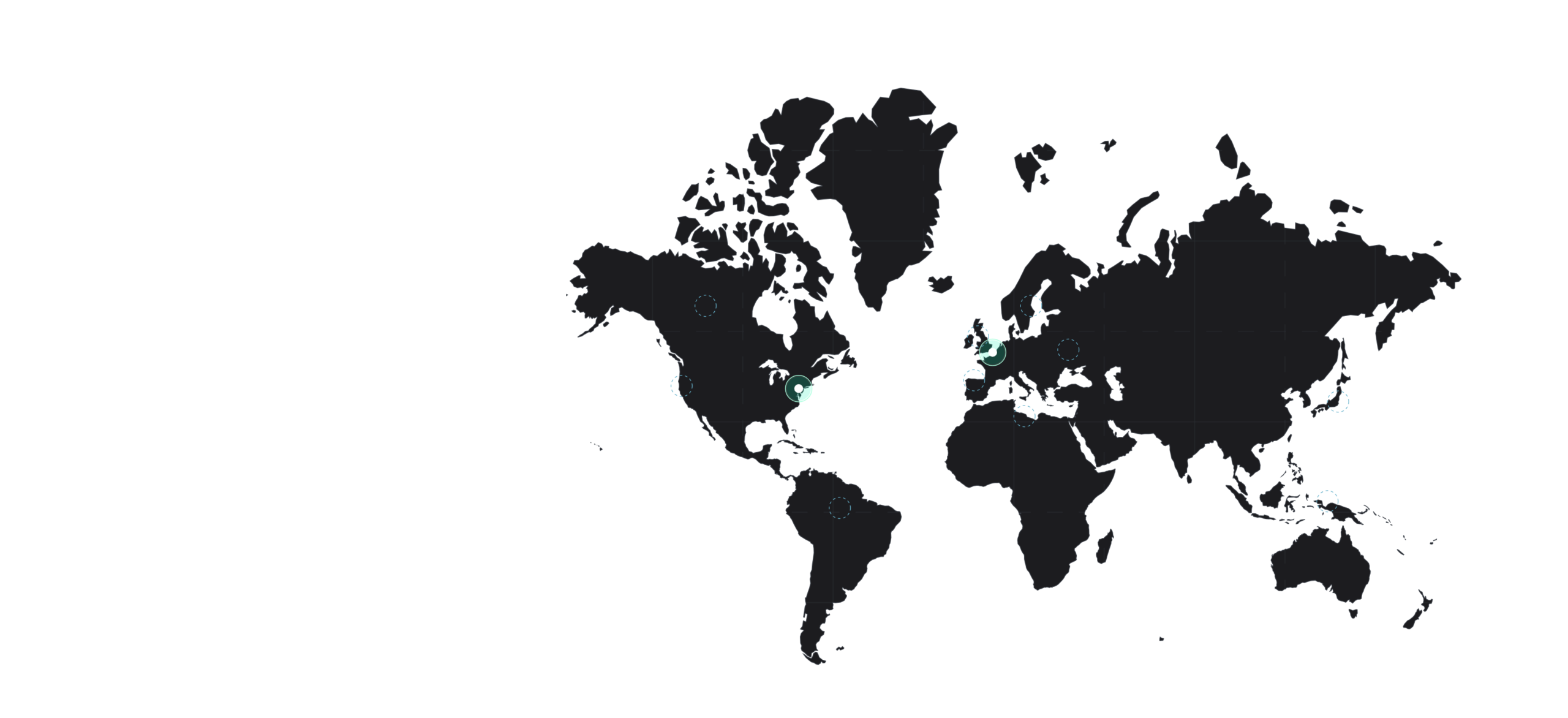


We deploy regions based on your traffic



Outgrown WordPress?
Raw VPS plans for projects that require full control beyond managed WordPress hosting.
- _> Raw Compute Power
- _> Your Resources - Your Rules
- _> Grows With Your Project

Frequently Asked Questions
Can’t find what you’re looking for?
Yes. WordPress is software that needs a server environment to run. Hosting provides the infrastructure for storing your website files, database, and runtime.
You can run WordPress locally on your computer for development, but a public website requires hosting. Without hosting, your site will not be accessible online.
WordPress hosting is a server environment configured specifically for WordPress. It typically includes optimized PHP settings, database configuration, caching, and security controls designed for WordPress workloads.
Look beyond marketing claims. Evaluate:
- Infrastructure architecture
- Resource transparency (CPU, RAM, I/O limits)
- Backup and recovery policies
- Security controls
- Incident response process
Reliable hosting is defined by operational clarity, not benchmark numbers.
Security depends on how the infrastructure is designed and maintained. A secure WordPress hosting environment includes isolation, regular updates, firewall configuration, monitoring, and defined incident response procedures.
Migration typically involves transferring files and databases, updating DNS records, and validating configuration in the new environment. Many providers offer assisted migration to reduce downtime and configuration errors.
Yes, if the hosting environment provides predictable performance, clear backup policies, and scalable options. Small businesses benefit from stability and clarity of support rather than “unlimited” claims.