

Docker VPS Hosting, Ready for Your Next Build
Build on AMD Ryzen 9 9950X3D performance. Docker Engine, Docker Compose, and Portainer are ready from the first login.

Docker
_> Application
Developer Tools
_> Category
Ubuntu 26.04 LTS
_> OS
Root SSH + Docker CLI + Portainer
_> Access
Choose the VPS Behind Your Next Build
Select the CPU, RAM, and storage your containers need. Docker deployed automatically on the VPS plan you choose.
Custom Requirements?
For high-traffic systems, special compliance requirements, or non-standard architectures
- _> Custom CPU / RAM ratios
- _> Multi-node architectures
- _> Compliance-driven setups
- _> Advanced backup and recovery
- _> Dedicated DevOps involvement
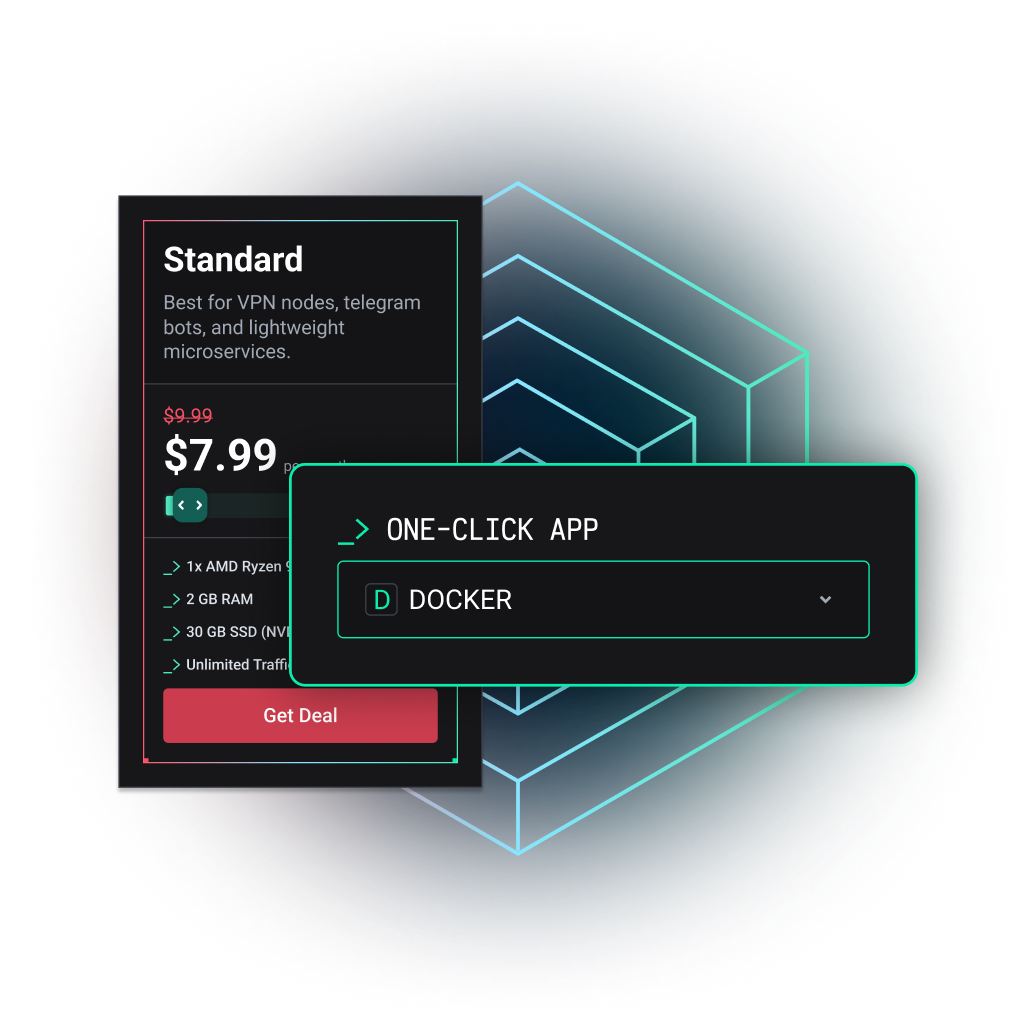
Standard
Best for VPN nodes, telegram bots, and lightweight microservices.
Professional
Ideal for Docker environments, dev-staging, and trading platforms.
Expert
High-power nodes for big data, compilation, and backend clusters.








When Docker Makes Sense
Use Docker when you want to move from local experiments to repeatable deployments on infrastructure you control.
- _>APPS, APIS & WORKERS Run frontends, backends, databases, queues, and background jobs as isolated services in one Compose stack.
- _>SELF-HOSTED TOOLS Deploy dashboards, automation platforms, internal services, and open-source software on infrastructure you control.
- _>DEVELOPMENT & STAGING Move beyond local tutorials. Learn Docker on a real VPS, reproduce environments, and test changes before they reach production.
Frequently Asked Questions
Can’t find what you’re looking for?
Docker VPS hosting provides a virtual private server prepared for running Docker containers. Instead of installing the operating system, Docker Engine, Docker Compose, and a management panel manually, you receive a ready environment with full server access.
The template includes Ubuntu 26.04 LTS, Docker Engine, Docker Compose, Portainer, full root SSH access, and access to Docker through the command line. The complete environment is deployed automatically through VirtFusion.
Yes. Docker Engine and Docker Compose are installed and running before your first login. You can connect through SSH, pull an image, run a container, or deploy an existing Compose stack immediately.
Portainer provides a browser-based interface for managing Docker resources. You can use it to view containers, images, volumes, and networks without relying only on command-line tools.
You can run Linux-compatible Docker images supported by the server architecture, provided they fit within the CPU, RAM, storage, and network resources of the selected VPS plan.
A smaller configuration can work for learning, testing, personal applications, and lightweight services. Choose more CPU and RAM for several active containers, databases, frequent builds, parallel workloads, or production applications.
The Docker VPS runs on infrastructure built around AMD Ryzen 9 9950X3D processors and NVMe storage. This provides high single-core performance for builds, application services, databases, and development workloads.
Antihost covers VPS availability, network uptime, correct initial deployment, Docker Engine, and Docker Compose. We investigate infrastructure-level failures and problems caused by the original template or provisioning process.
Yes. You can begin with the resources your current workload requires and move to a larger configuration as container count, traffic, or application complexity grows.
Launch Your Docker VPS
Choose your resources and start with Docker already running on modern Ryzen infrastructure.
RYZEN 9 PERFORMANCE
High-frequency infrastructure for containers, builds, and application workloads.
DOCKER PRE-INSTALLED
Docker Engine, Docker Compose, and Portainer ready from the first login.
DEFINED VPS RESOURCES
CPU, RAM, and storage based on the plan you choose.
CLEAR SUPPORT SCOPE
Coverage for the VPS, network, initial provisioning, Docker Engine, and Docker Compose.